AI-Powered Graphic Design Tools for Beginners
Create stunning graphics using AI design tools like Canva AI and other AI-powered platforms.
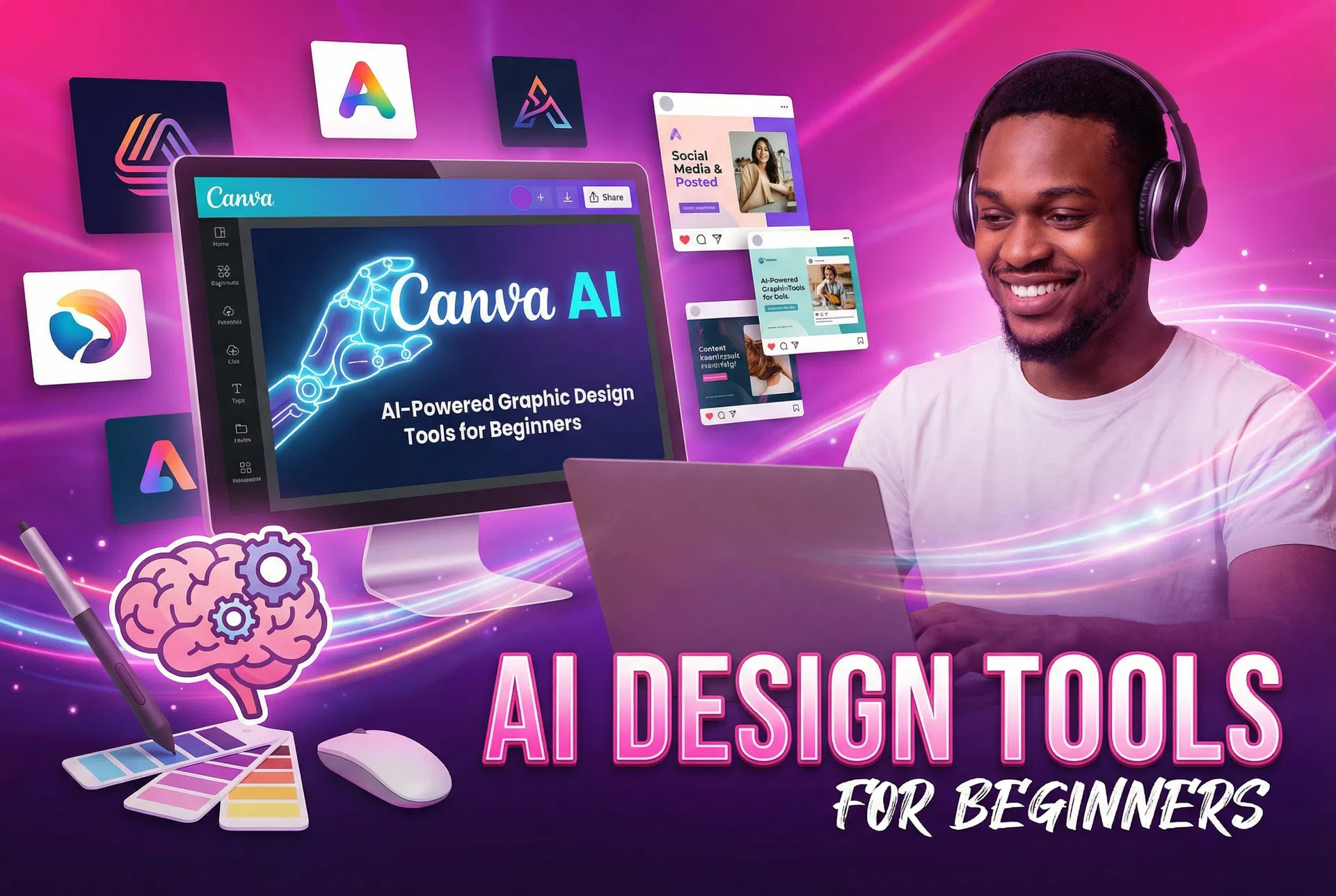
AI-Powered Graphic Design Tools for Beginners: Your 2026 Guide
Introduction: The Dawn of a New Design Era
The landscape of creative industries is constantly evolving, and nowhere is this more evident than in graphic design. The advent of artificial intelligence (AI) has ushered in a new era, transforming how visual content is conceived, created, and refined. For beginners venturing into the world of graphic design, AI-powered tools are not just a futuristic concept; they are a present-day reality, democratizing design and making it more accessible than ever before.
This guide demystifies AI graphic design for novices, exploring its benefits, popular tools, and a practical roadmap for getting started. We\'ll also set realistic expectations regarding timelines, earning potential, and challenges.
What is AI Graphic Design?
**AI graphic design** uses artificial intelligence, including **machine learning (ML)** and **deep learning**, to assist, automate, and enhance graphic design. AI tools generate elements, suggest layouts, automate tasks like resizing and background removal, and create new visuals from text prompts. They act as co-pilots, freeing designers to focus on creative decisions. The global AI market is projected to reach over $826 billion by 2030, up from $243 billion in 2025, indicating rapid adoption [1].
The Benefits of Using AI in Graphic Design for Beginners
For those just starting their graphic design journey, AI tools offer a compelling array of advantages that can accelerate learning, boost productivity, and foster creativity.
Increased Efficiency and Speed
AI dramatically increases efficiency by automating mundane tasks like resizing images for various platforms or removing backgrounds. These tasks, once time-consuming, are now completed in seconds, allowing beginners to focus on strategic and creative aspects. AI also streamlines color correction, layout optimization, and generating design variations [2].
Enhanced Creativity and Inspiration
AI fosters creativity by generating ideas and concepts from simple prompts, helping overcome creative blocks. An AI image generator can turn a descriptive sentence into a visual, offering inspiration or a starting point. This rapid prototyping allows beginners to experiment without extensive time investment, promoting a dynamic creative process [2].
Accessibility and Lower Barrier to Entry
Traditionally, graphic design demanded mastery of complex software. AI tools, with intuitive interfaces and intelligent assistance, democratize design, making it accessible to beginners. User-friendly AI platforms enable entrepreneurs, marketers, and hobbyists to create professional visuals without extensive training or hiring professionals.
Cost-Effectiveness
Professional design software and experienced designers can be costly. AI graphic design tools offer affordable subscriptions or free tiers, providing a cost-effective alternative. This allows beginners to develop skills without significant upfront investment, reducing financial risk.
Popular AI-Powered Graphic Design Tools for Beginners
The market is rapidly expanding with AI design tools, each offering unique strengths. Here are a few beginner-friendly options that stand out:
Canva AI
Canva, a favorite for its intuitive interface and templates, now integrates **Canva AI**. This allows users to generate images from text, create interactive dashboards, and produce social media graphics easily. Canva AI excels in social media content and quick visual asset creation, offering seamless workflow and in-platform editing [2].
Adobe Firefly
Adobe\'s **Firefly**, a leading generative AI tool, integrates with the Adobe ecosystem. It excels in text-to-image generation, enabling users to create diverse images, apply unique text effects, and find design inspiration. Firefly offers beginners a familiar entry point into AI creative workflows, especially for those considering advanced Adobe products.
Microsoft Designer
Microsoft Designer, an excellent beginner option, uses AI to generate designs from simple text prompts. It helps users create professional visuals for social media, invitations, and more, quickly and efficiently. Its integration with other Microsoft products makes it convenient for existing Microsoft users.
Framer
Framer, primarily for web design, uses AI to generate functional website designs from user descriptions. For beginners in web layouts and UI design, Framer offers an AI-driven approach to quickly realize ideas without extensive coding.
Getting Started with AI Graphic Design: A Practical Guide
Embarking on your AI graphic design journey can be exciting. Here’s a practical, step-by-step guide to help you navigate the initial stages:
Step 1: Define Your Goal
Before using any tool, define your goal: social media posts, a logo, or presentation visuals? A clear objective guides tool selection and prompt engineering, as different tools excel at different tasks.
Step 2: Choose the Right Tool
Choose a tool based on your goal and comfort level. Many offer free trials or freemium models for experimentation. Master one tool first, then explore others as your skills evolve.
Step 3: Master the Art of Prompting
**Prompt engineering** is crucial for effective AI graphic design; output quality depends on input clarity. Instead of a vague prompt like “create a logo,” try something more descriptive: “Design a minimalist logo for a coffee shop called ‘Bean & Brew’ with a warm, inviting color palette, incorporating a subtle coffee bean icon and a modern sans-serif font.” Experiment with keywords, styles, and details to refine your results. HubSpot’s article on AI for graphic design provides excellent examples of detailed prompts that yield better results [2].
Step 4: Generate and Refine
AI is an assistant, not a magic wand. Initial AI output is a starting point, not a final product. Use in-tool editing or other software for refinement. Your human touch—aesthetic judgment, context understanding, and emotional intelligence—transforms AI-generated content into impactful designs.
Step 5: Practice and Experiment
Consistent practice is vital. Regularly use your chosen AI tools, experimenting with prompts, styles, and diverse projects. This builds understanding of AI tool nuances and maximizes their potential.
Realistic Expectations: Timelines, Earning Potential, and Challenges
While AI graphic design offers incredible opportunities, it’s vital to approach it with a realistic mindset, understanding both its potential and its limitations.
Timelines
AI tools accelerate design, but mastering them for high-quality, original results demands time and dedication. While basic graphics are quick, building a strong portfolio, understanding design principles, and honing prompt engineering takes weeks or months. AI is a powerful vehicle; you must learn to drive it effectively.
Earning Potential
Earning potential with AI graphic design is promising but varies by skill, niche, and marketing. Beginners can freelance, create digital products, or enhance existing services. While avoiding "get-rich-quick" promises, it\'s realistic to expect that with consistent effort and skill development, you can generate supplementary income or even build a full-time career. For instance, a beginner might start by earning a few hundred dollars a month creating social media graphics for local businesses, gradually increasing their rates and client base as their portfolio strengthens. Experienced AI graphic designers with a strong niche and portfolio could potentially earn several thousand dollars monthly, especially if they combine their design skills with other services like marketing or web development.
Challenges and Limitations
Despite their transformative power, AI graphic design tools come with their own set of challenges and limitations that beginners should be aware of.
#### Originality and Copyright
**Originality and copyright** are significant concerns. AI models trained on vast datasets raise questions about the uniqueness and intellectual property of AI-generated content. Designers must understand tool terms of use and avoid unintentional plagiarism. Adding unique creative input to AI-generated elements ensures originality and avoids legal issues [3].
#### The Human Touch
AI automates tasks and generates ideas but lacks human designers\' nuanced understanding, emotional intelligence, and strategic thinking. Unrefined AI designs can feel generic, lacking emotional depth or storytelling. Understanding client briefs, interpreting emotions, and translating concepts into visuals remain uniquely human strengths. AI augments human creativity, it doesn\'t replace it [1].
#### The Learning Curve
Despite user-friendly designs, mastering AI tools involves a learning curve. This includes crafting effective prompts, refining AI-generated content, and integrating tools into workflows. Beginners must invest time to learn tool intricacies and develop a critical eye for quality AI output.
The Future of AI in Graphic Design
AI\'s role in graphic design is rapidly evolving. Future AI tools will offer greater customization, intuitive interfaces, and deeper integration with existing design software. AI will handle increasingly complex tasks, from generating brand identities to creating dynamic, adaptive designs responsive to user behavior.
This evolution shifts graphic designer skill requirements from technical execution to strategic thinking, prompt engineering, and refining AI-generated content. Continuous learning and adaptability are crucial for designers to leverage AI as a powerful asset. AI empowers human creativity, opening new frontiers for innovation and efficiency.
Conclusion: Embrace AI as Your Creative Partner
AI-powered graphic design tools offer beginners unprecedented opportunities in the creative industry. They automate tasks, spark ideas, and enhance accessibility. However, realistic expectations are crucial: while these tools boost workflow, they require a human touch for originality, emotional resonance, and strategic impact.
Embrace AI as a creative partner. Understand its strengths and limitations, and continuously refine your prompt engineering and design skills. The AI graphic design journey is about continuous learning and experimentation, where intelligent technology amplifies creativity. Start exploring these tools, define your goals, and let AI bring your visual ideas to life.
References
1. Statista. "Artificial Intelligence (AI) market size worldwide from 2020 to 2031, https://www.statista.com/forecasts/1474143/global-ai-market-size/." Accessed March 3, 2026.
2. Coursera. "AI Graphic Design: Uses, Benefits, and Tools to Know, https://www.coursera.org/articles/ai-graphic-design." Accessed March 3, 2026.
3. HubSpot. "I tested 8 AI tools for graphic design — here are my prompts, results, and recommendations, https://blog.hubspot.com/marketing/ai-for-graphic-design." Accessed March 3, 2026.
Ready to Start?
Explore more resources and guides to help you succeed in your online income journey.
Related Articles
How to Make Money with Content Creation
Monetize your content through blogging, YouTube, social media, and other content platforms.

Selling Digital Products Online: A Beginner's Guide
Learn how to create and sell digital products like templates, ebooks, and courses.

How AI Tools Can Help You Earn Money Online
Discover how to leverage AI tools to increase your earning potential online.